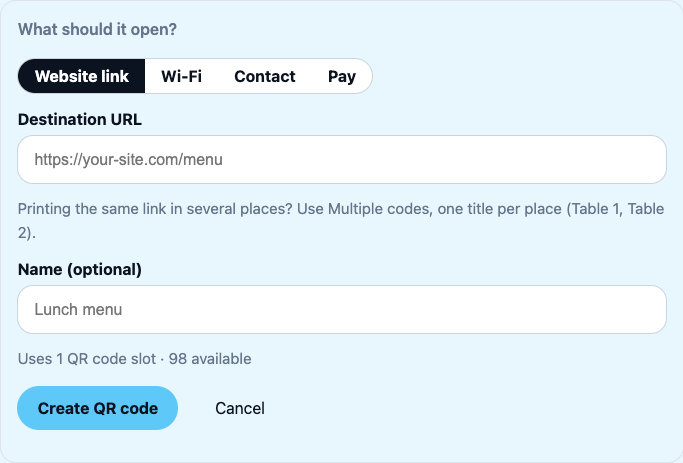
Create an editable QR code
Create a website QR code, customize its design, download it and change its destination later without replacing your printed code.
Choose what you want to make. Search titles, descriptions and instructions to find the right guide.
Try a shorter search, another keyword, or clear your search to see every guide.
Create a website QR code, customize its design, download it and change its destination later without replacing your printed code.
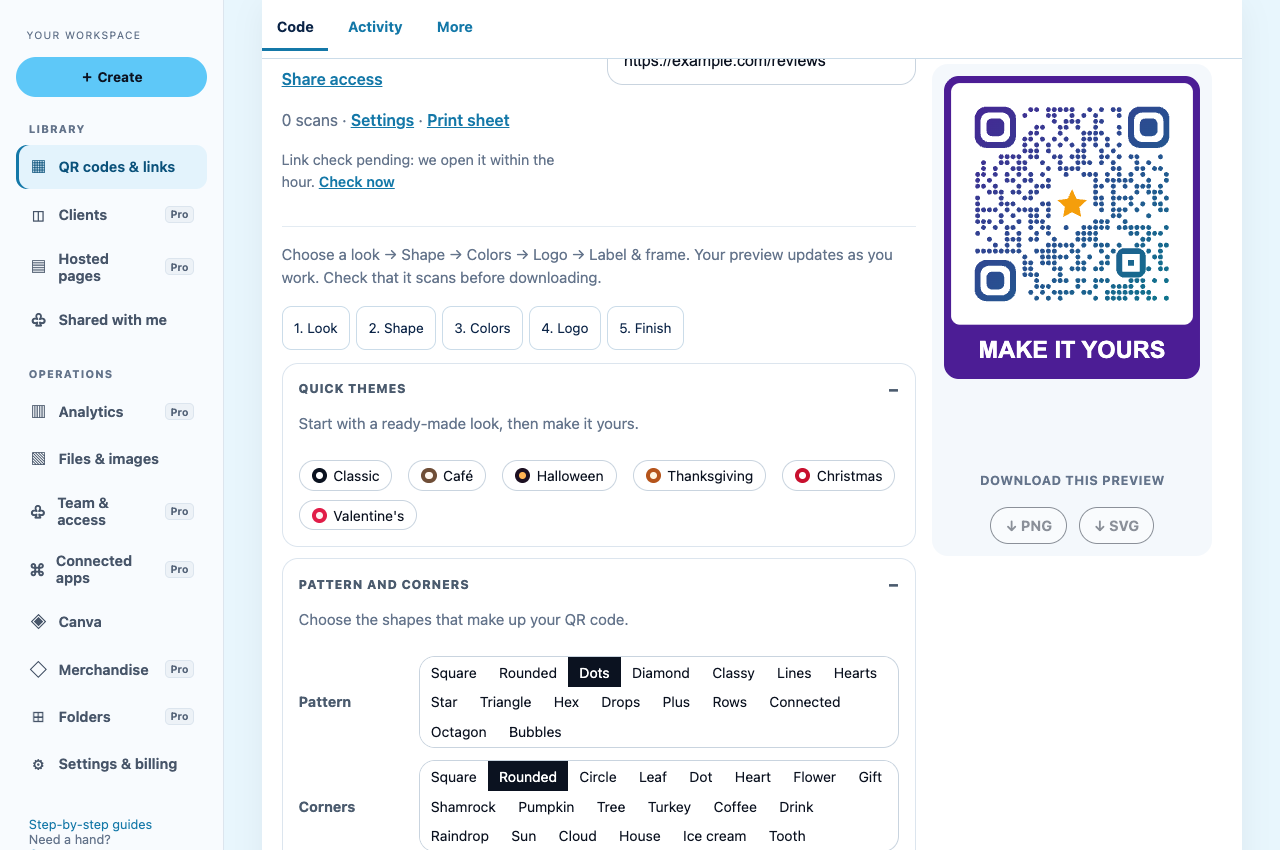
Choose colors, shapes, logos and frames, save your QR design, download PNG or SVG and test your artwork before printing a batch.
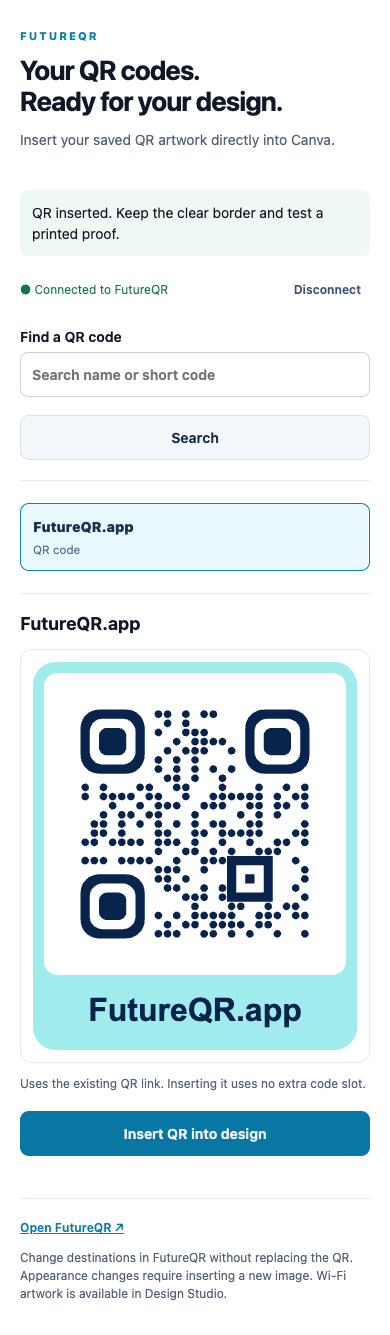
Follow manual PNG/SVG upload steps or connect FutureQR inside Canva with OAuth; includes a separate app-owner setup reference.
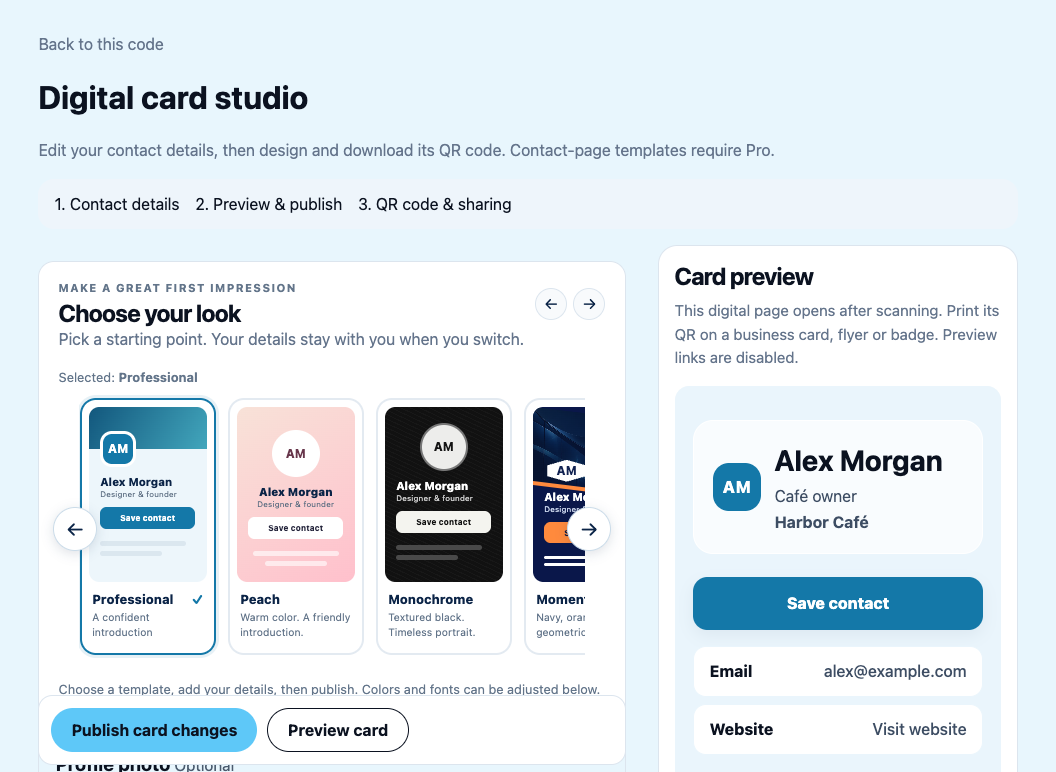
Create an editable contact page, choose its template and images, publish it, test Save contact and download the linked QR code.
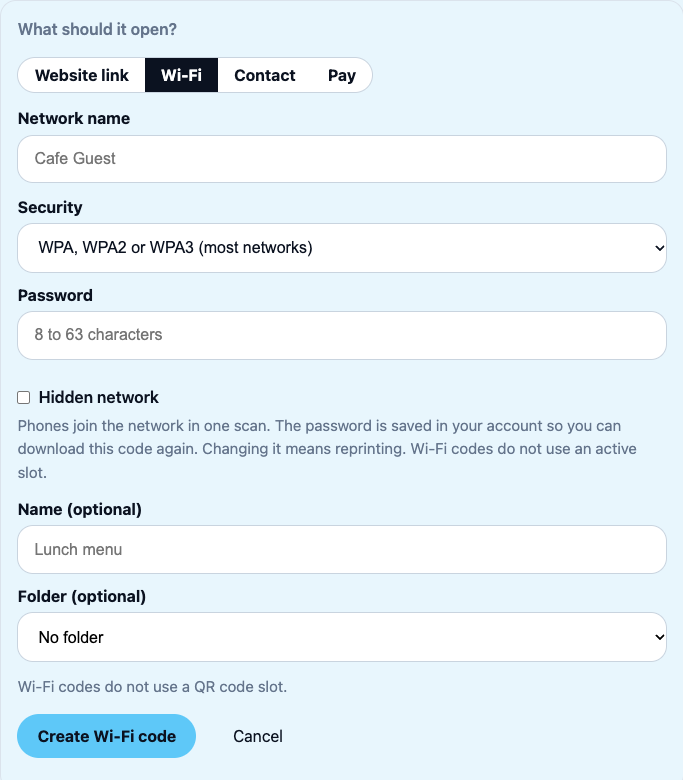
Make a guest Wi-Fi QR code with the correct network name and security settings, test it on a phone and understand when to reprint.
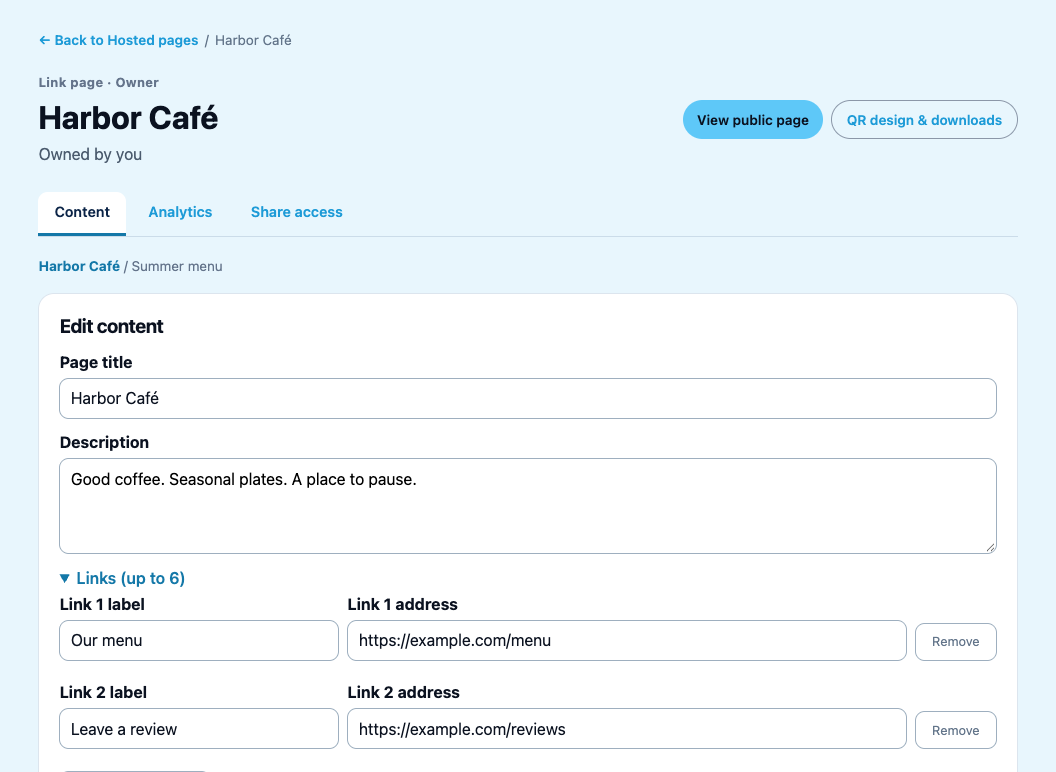
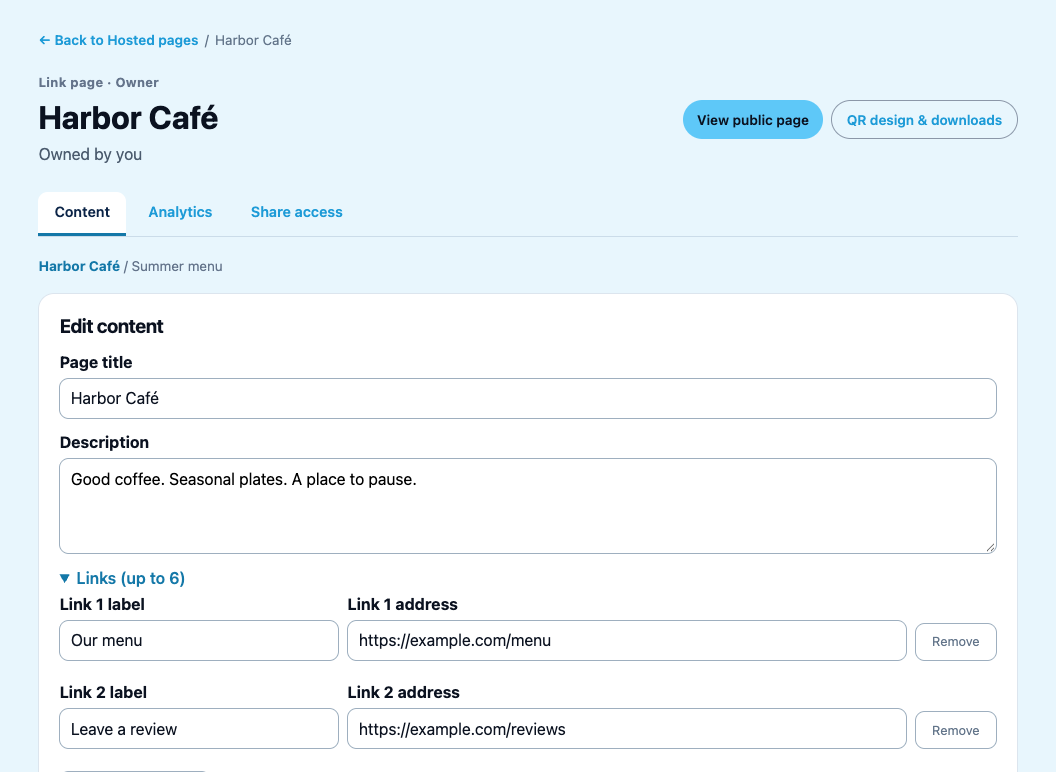
Publish a branded multi-link page for menus, reviews, websites and contact links, then download the QR code created with that page.
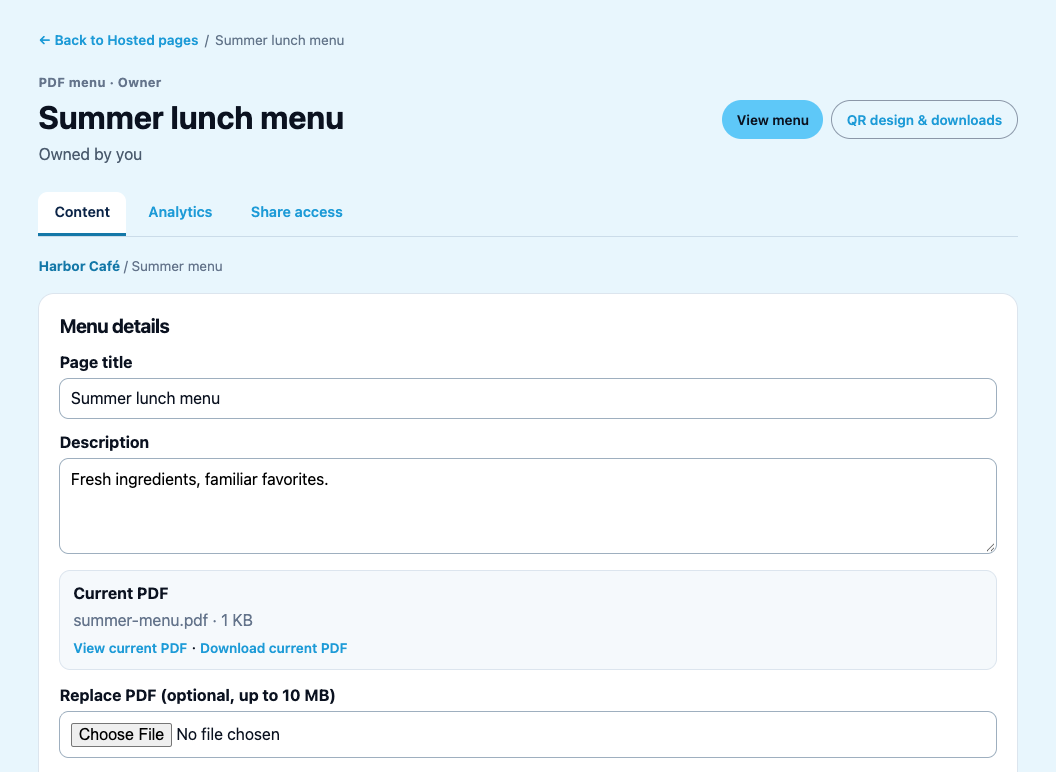
Upload a PDF menu, publish its landing page, download the automatically linked QR code and replace the file without reprinting the QR.
Understand which QR is linked to your hosted menu or landing page, and how to update an existing printed code without creating a redirect loop.
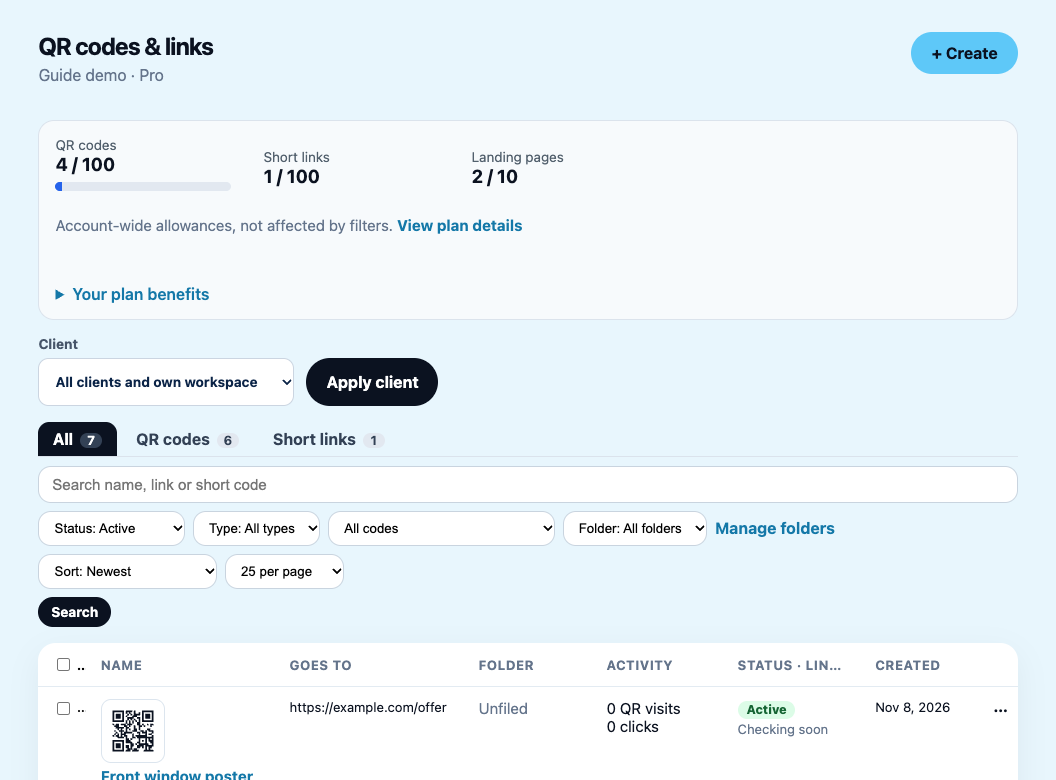
Use the library to search by name, link or short code, filter by type, status and folder, and choose between copying the short link and downloading a QR.
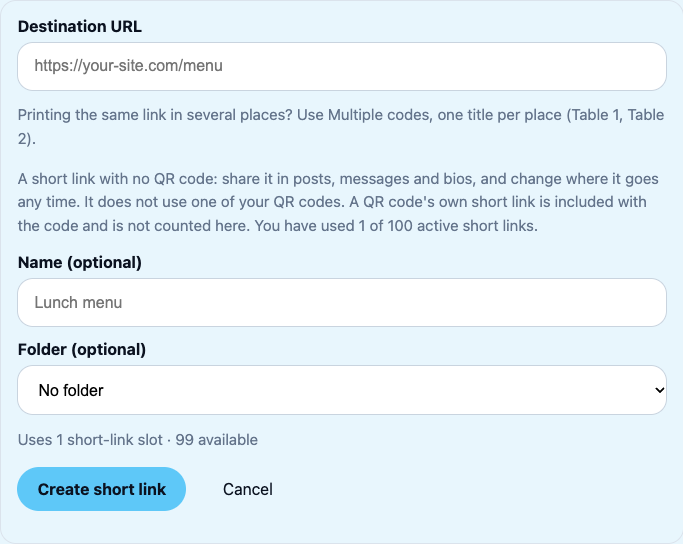
Make a short ftqr.link address for a website, change where it goes at any time, count clicks separately from QR visits, and add a QR code later if you want one.
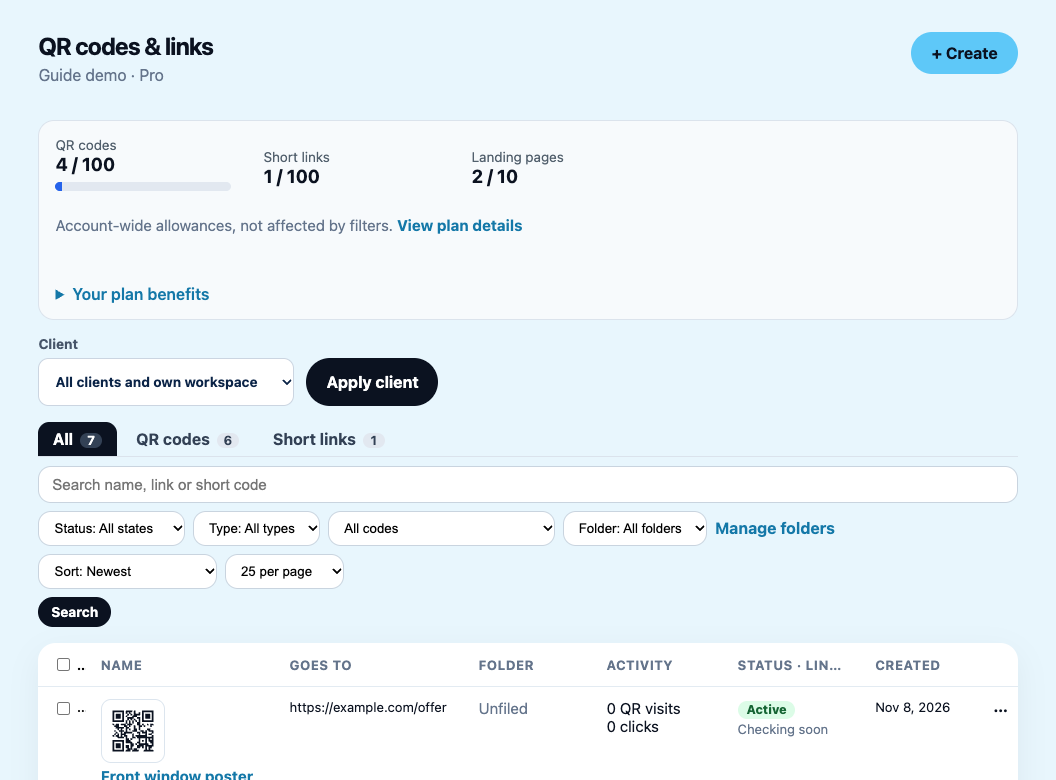
See exactly what turning off, freezing, reactivating, deleting and restoring do to a QR code, short link or landing page, and to your allowance.
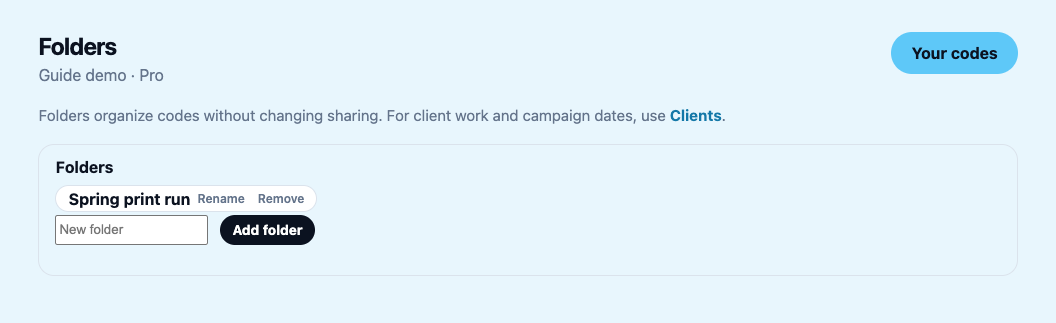
Use folders to group items, and understand that folders do not share anything: sharing is set per landing page or through client and team access.
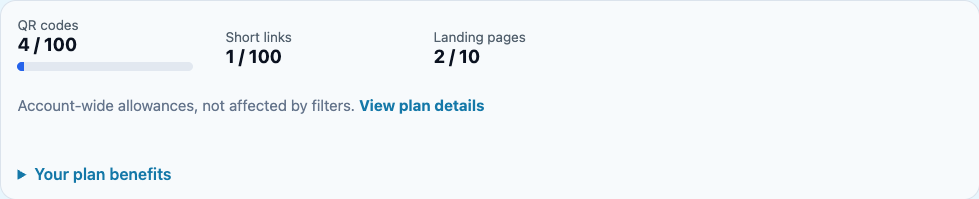
What Free and Pro include, what counts toward each allowance, and how companion short links and landing-page QR codes are counted without double-counting.
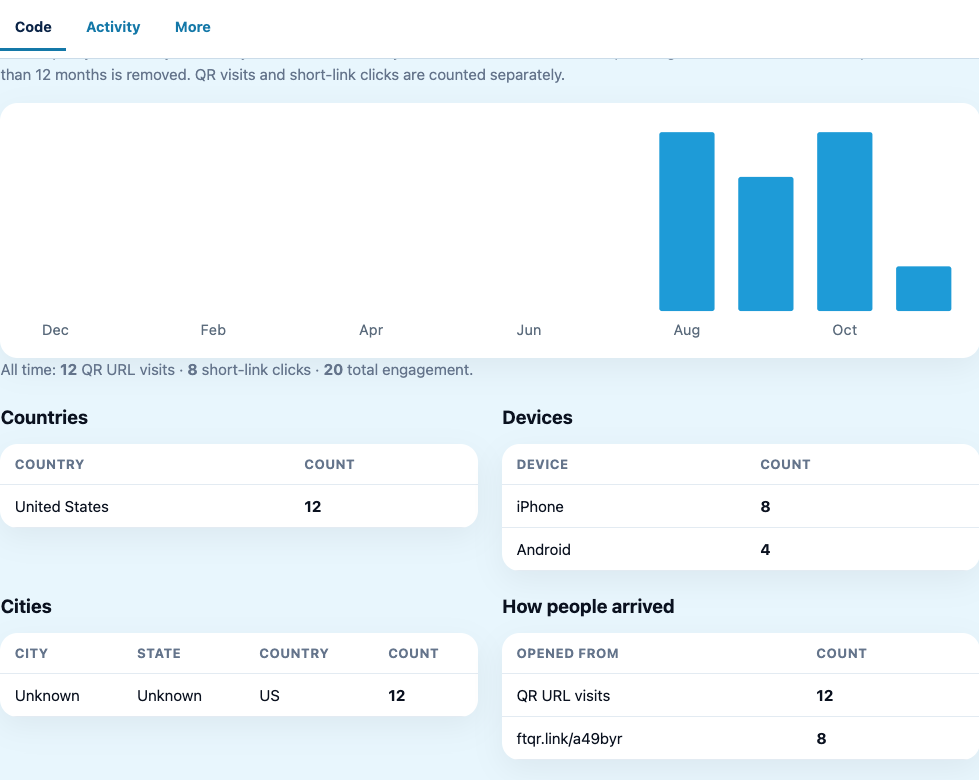
Understand how QR visits and short-link clicks are counted separately, what Free and Pro can see, and how far back analytics history goes.
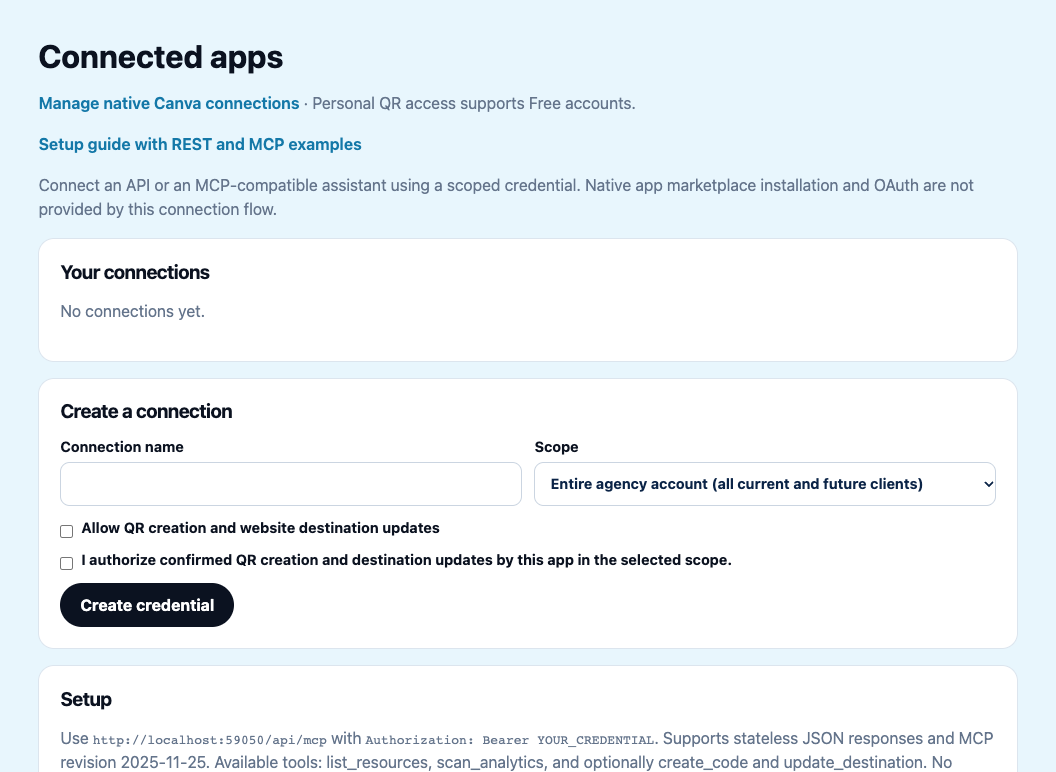
Create a scoped FutureQR credential, try REST and MCP examples, verify permissions and revoke access safely.
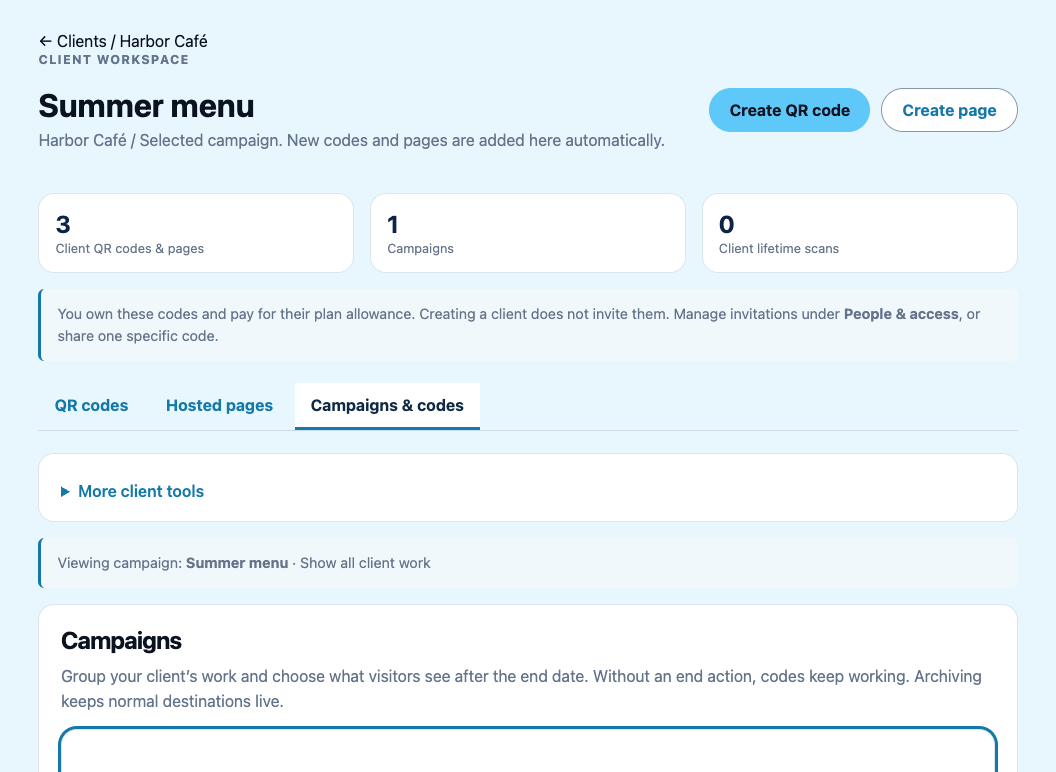
Create client workspaces, add campaigns, create scoped QR codes and understand folders, ownership and customer access.
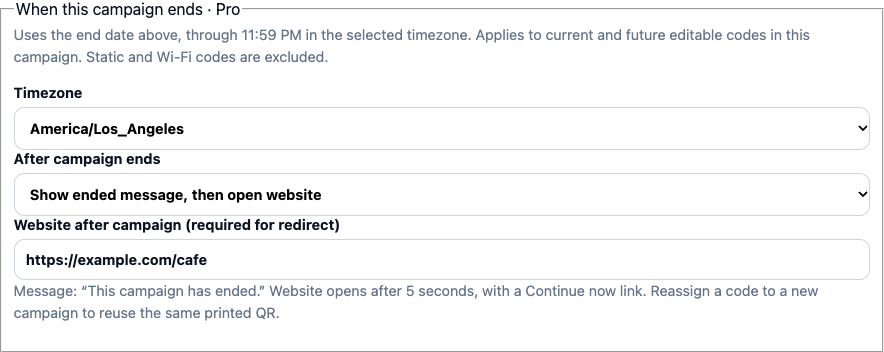
Choose what scans show after a campaign ends, set the timezone, and reuse the same printed QR for a later campaign.
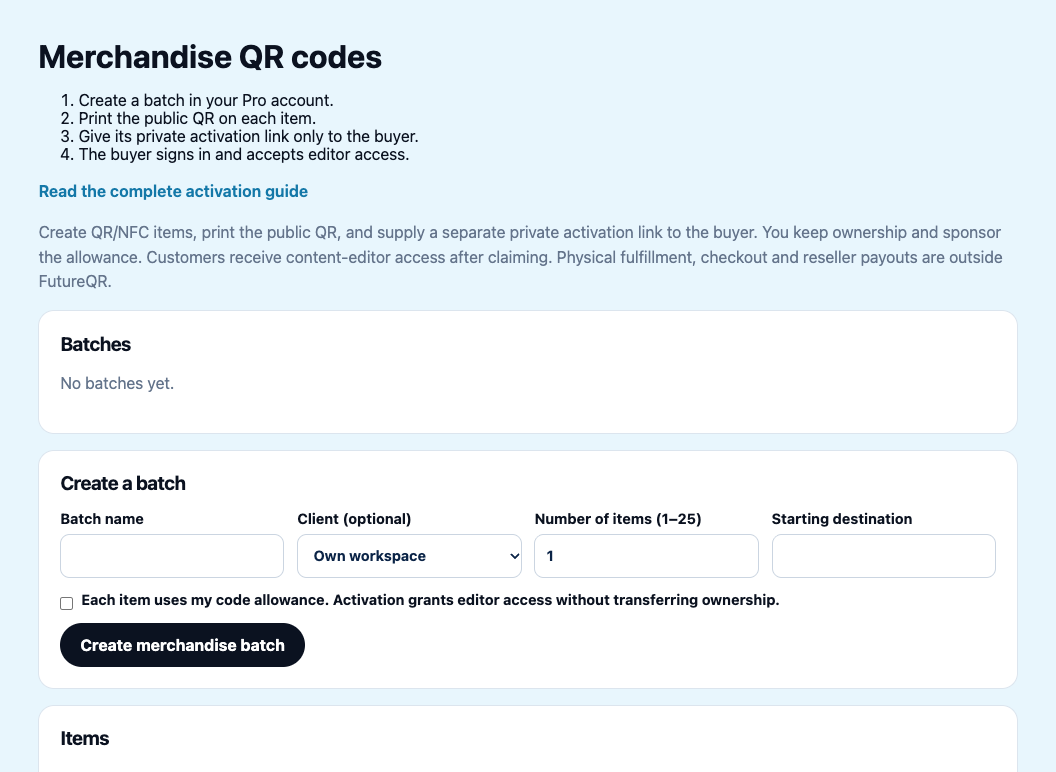
Create merchandise QR batches, separate public print links from private activation links, and test customer editor access.
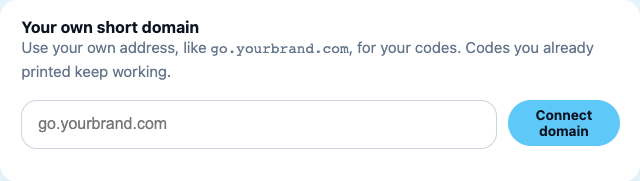
Connect a branded QR subdomain, prove you control it with a TXT record, verify DNS and certificate readiness, and understand existing printed links before removing it.
Free includes five editable codes and every individual Design Studio tool. Landing pages and agency tools require Pro. See current offers and plans.